Stryker 1188-410-122 HD Autoclavable Camera Head
Stryker 1188-410-122 HD Autoclavable Camera Head is backordered and will ship as soon as it is back in stock.
Delivery and Shipping
Delivery and Shipping
MED offers fast, reliable shipping services, with tracking and dedicated support every step of the way. Whether you're ordering a single device or outfitting an entire facility, you can trust MED to deliver safely, on schedule, and with care.
Warranty and returns
Warranty and returns
Every MED Refurbished unit ships with a written MED warranty covering parts and labor. Terms run from 90 days to 24 months depending on the equipment and are stated on your quote. Extended coverage is available on most systems. Your warranty is with MED: one point of accountability from quote through the life of the coverage.
30-day acceptance: if a unit does not perform as quoted on arrival, MED makes it right. See our Return Policies for details.
Trade in your current equipment
Trade in your current equipment
Have a unit to retire? Tell us what it is in your quote request. We value it against current market data and can remove it when we deliver. Any department, any modality.
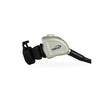
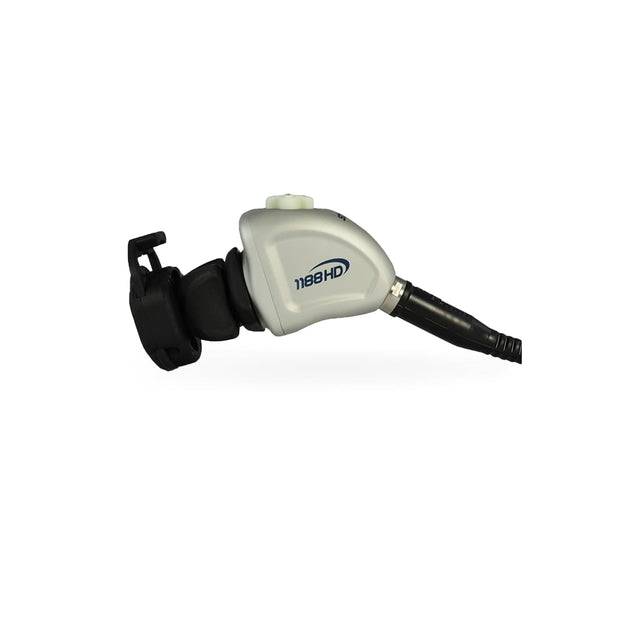
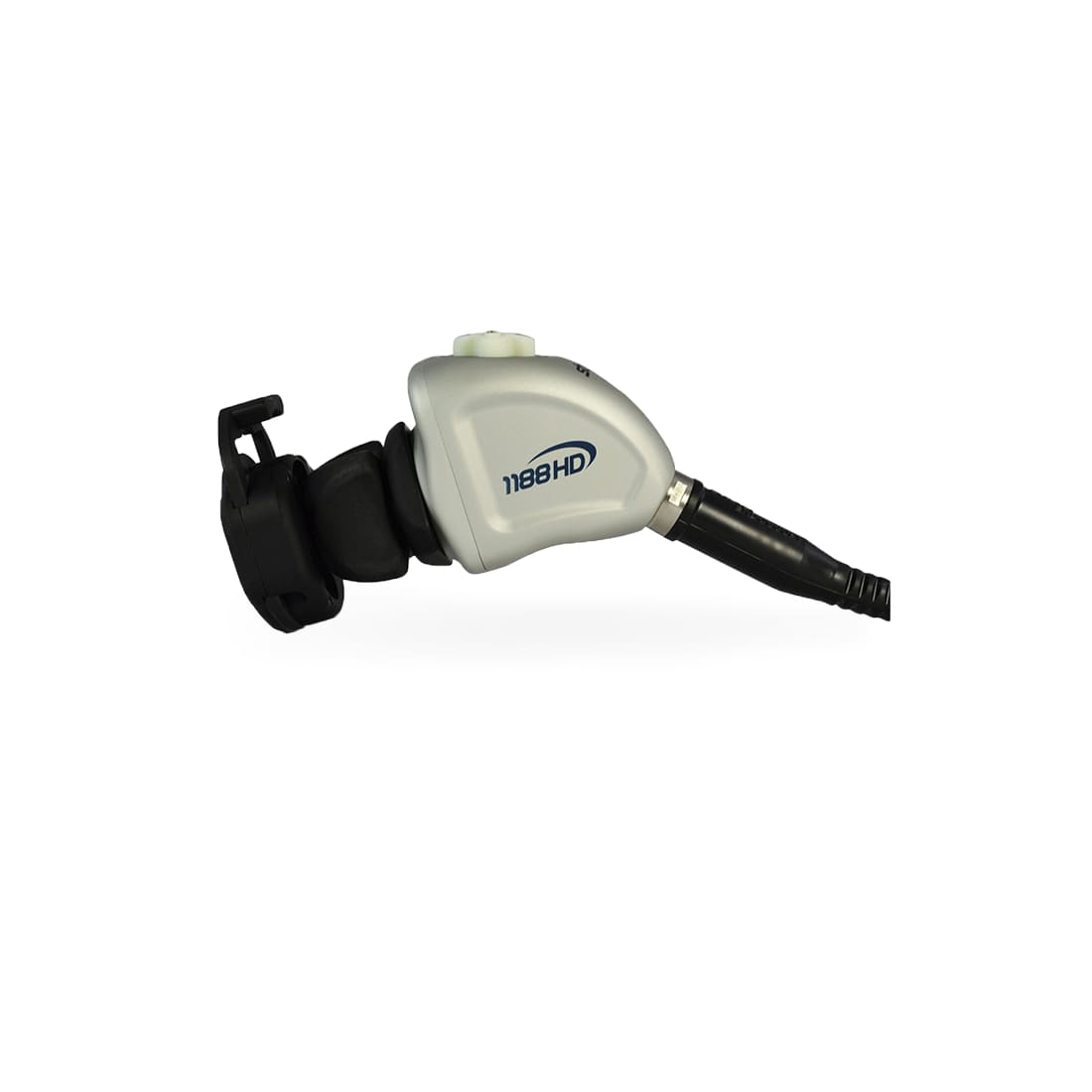
Stryker 1188-410-122 HD Autoclavable Camera Head
Request a quote on this model
Tell us the configuration and timeline you need. A MED specialist replies the same business day with availability, warranty and pricing. Purchase orders accepted.
The Stryker 1188-410-122 HD Autoclavable Camera Head produces high resolution digital output to help surgeons with clear and accurate identification of human anatomy. Its lightweight and ergonomic design is aimed for minimally invasive surgery, and its textured finish provides a secure grip for safety. It can also control up to two remote video accessories for capturing videos and still images.
A cross-shaped keypad on top of the camera head gives a user control over its different functions and settings. These intuitive and self-illuminating buttons can work perfectly even in dim environment. The P button controls the start and stop of video recording, and is used to capture still images as well. The W button gives control over the White Balance function to correct slight color differences. It is also used to decrease or increase the level of the Zoom Cycle.
The two other buttons are the Up and Down buttons, which are used to change functionality. Other functions can also be programmed to these buttons for optimal surgeon control.
Payment & Security
Payment methods
Your payment information is processed securely. We do not store credit card details nor have access to your credit card information.
Purchase Orders (PO) are accepted from authorized hospitals and institutions.